Calendar
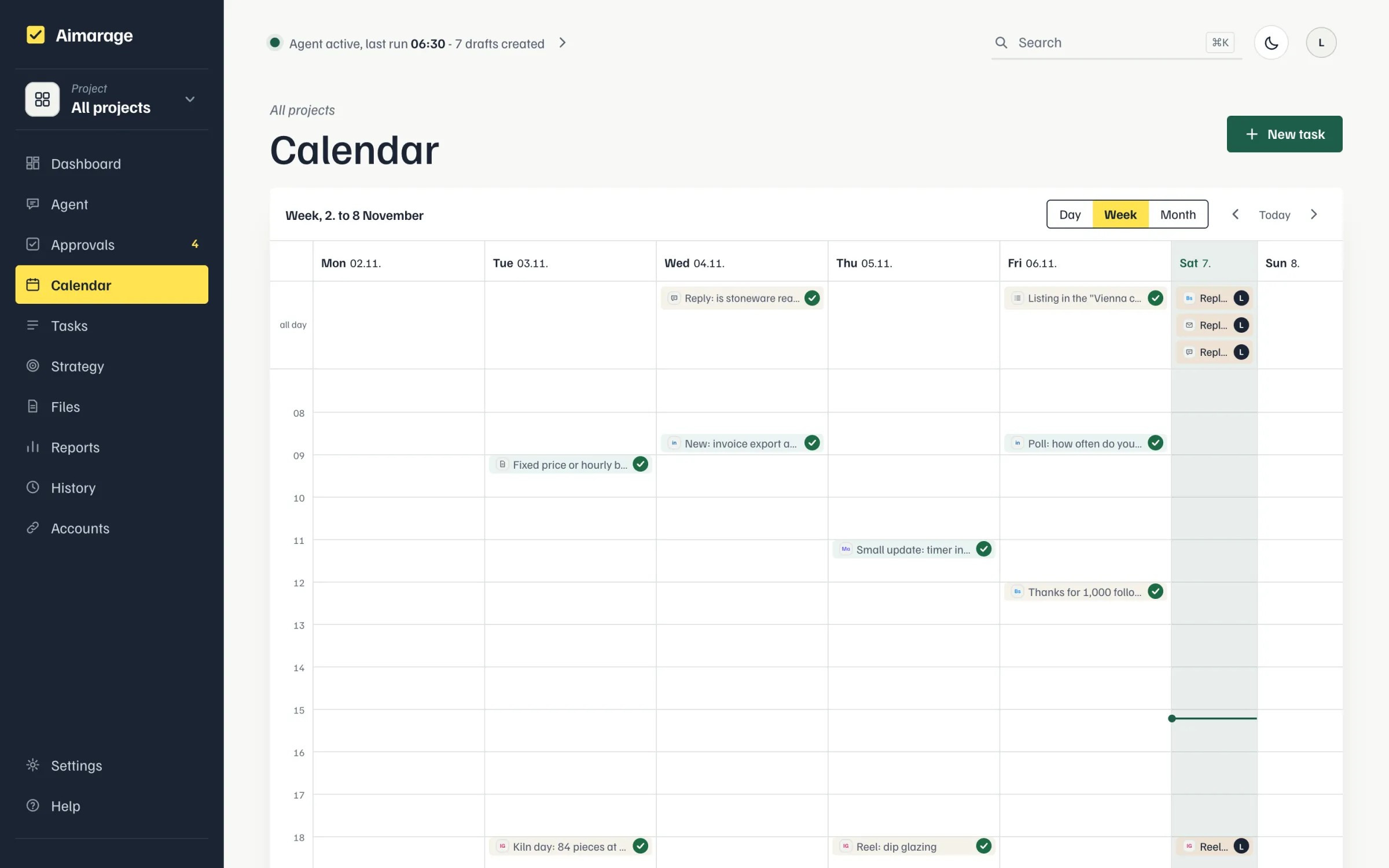
The calendar shows all tasks by day, week or month, coloured by project in "All projects". You move dates with the mouse, also into the all-day row; "New task" creates one. When the agent plans a task with a time for today, it never lands before now: if the time has passed, it moves to the next full hour with at least 30 minutes lead, in the evening to the next day; all-day tasks stay on the day. When you move a task, its scheduled post, mail or article moves with it. Two social posts of a project on a shared platform are at least 3 hours apart: the automatically planned one moves to the next free slot, a time you set yourself stays. Gap and maximum per platform and day count the platforms of the draft (e.g. X and Instagram), not just the task's channel. When the agent moves overdue drafts, the gap and the maximum apply as well, and later parts of a series move along instead of overtaking the earlier one.